
Graphics Card Repair Services in Bow Valley
what we offer
Professional Graphics Card Repair in Bow Valley
A failing graphics card can make your Mac unusable — from distorted visuals and flickering screens to sudden crashes and complete display loss. At Apple User Services, we provide professional graphics card repair in Bow Valley to bring your device’s visuals back to life.
Our technicians specialize in diagnosing and fixing GPU issues caused by overheating, damaged circuits, or faulty connections. Using advanced repair methods and high-quality components, we restore clear, stable graphics and reliable performance. Every repair is tested for accuracy and stability, so your Mac runs the way it was designed to.
About the Service
What Is a Graphics Card Repair?
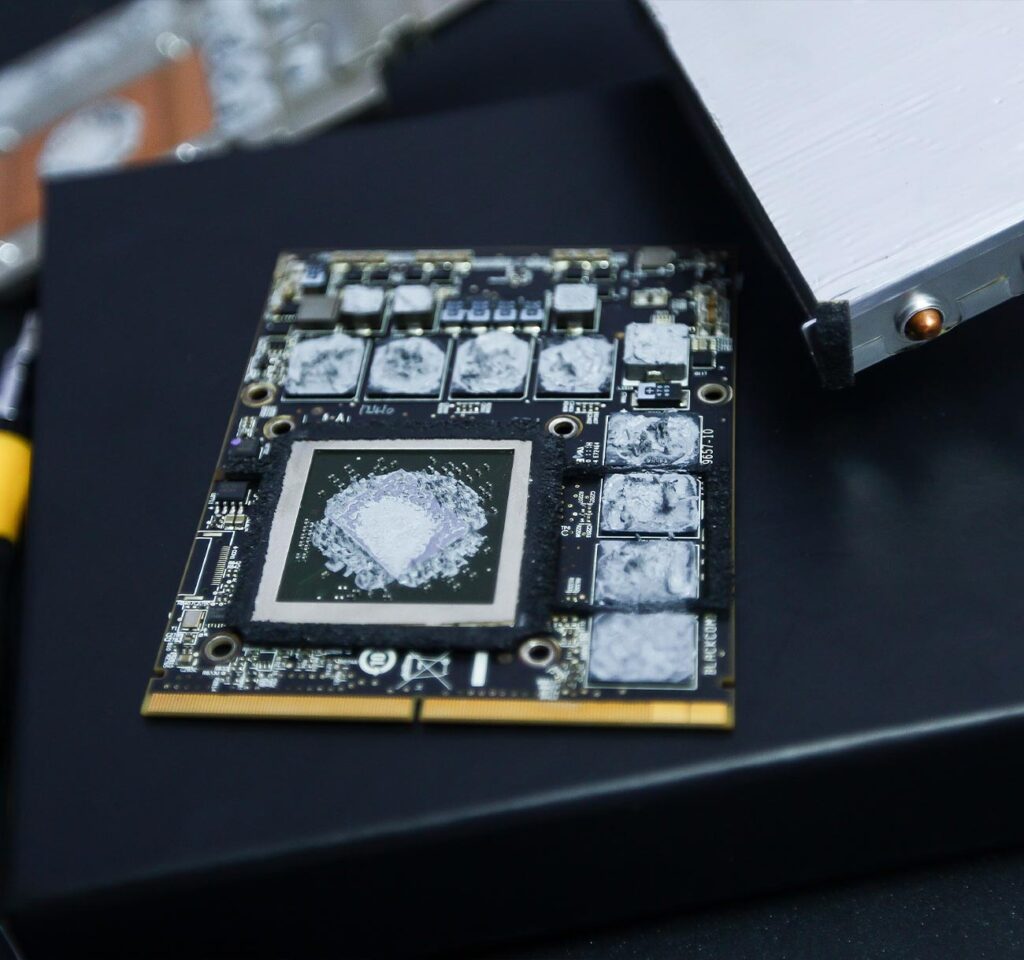
A graphics card repair is the process of restoring the component that powers your Mac’s visuals. When a GPU begins to fail, you may notice flickering screens, distorted images, crashes, or even no display at all. Left unresolved, these problems can make your Mac nearly impossible to use.
At Apple User Services, we perform graphics card repairs with precision. From fixing overheating issues to repairing damaged circuits and connections, our technicians restore your device’s display performance. The result is smooth visuals, stable operation, and a Mac you can rely on again.
What we fixing
Common Graphics Card Problems We Fix
Screen flickering or flashing
Display cuts in and out or shows unstable visuals.
Distorted images
Lines, artifacts, or unusual colors appearing on the screen.
Frequent crashes or freezes
Mac shuts down or locks up when handling graphics tasks.
No display output
Black screen even though the Mac powers on.
Overheating GPU
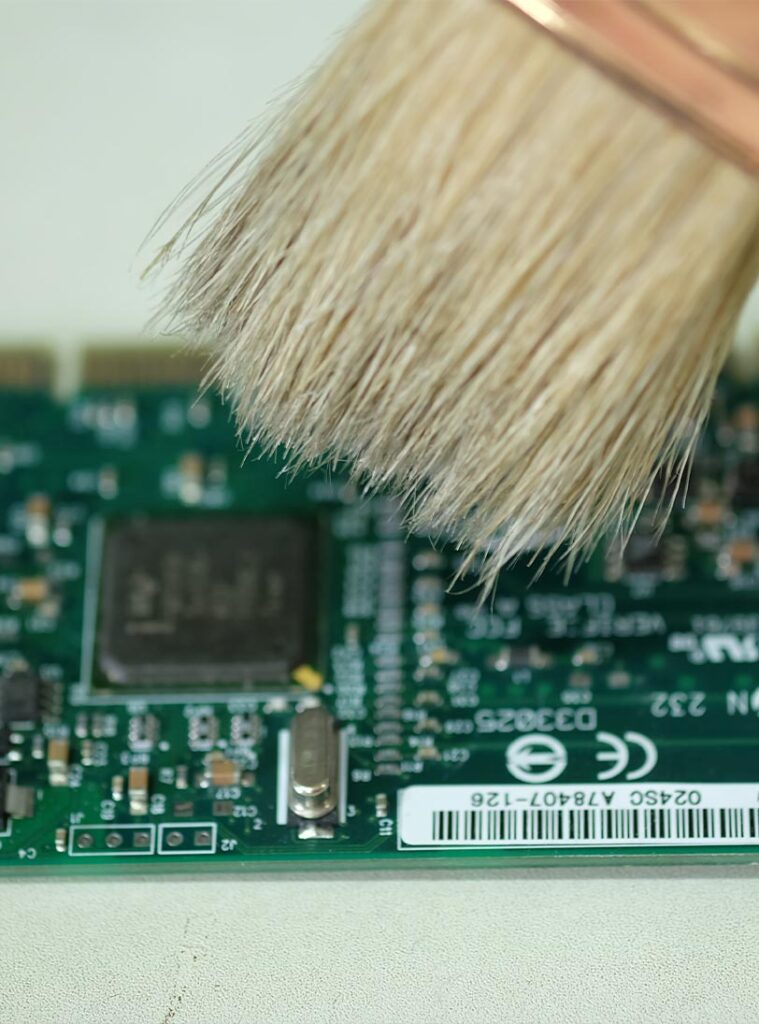
Device gets unusually hot, leading to reduced performance or shutdowns.
Driver or compatibility errors
Graphics card not working properly after updates or software changes.
Poor performance
Lagging visuals during video playback, design work, or gaming.
Fan noise or hardware strain
Overworked graphics card causing loud fans or slow system response.
Why Choose Us
When you need us, we are here
A failing graphics card can make your Mac nearly impossible to use — from screen glitches to complete display loss. At Apple User Services, we make repairs simple, reliable, and handled with the care your device deserves.
Trusted Expertise
Our technicians are trained to diagnose and repair complex GPU issues, from overheating to circuit damage, ensuring your Mac’s visuals are restored with precision.
Clear and Simple Service
We provide transparent pricing and explain the repair process step by step, so you’re never left guessing about costs or outcomes.
Dependable Results
Every repaired graphics card is tested for stability, clarity, and performance, giving you confidence that your Mac will run smoothly again.
Our Repair Process
At Apple User Services, we make graphics card repair clear and straightforward. From diagnosis to final testing, every step is built to give you confidence in the result.
Step 1: Free GPU Diagnostic
We begin with a complimentary check to identify the exact issue — whether it’s overheating, display glitches, or a full graphics failure.
Step 3: Professional Repair
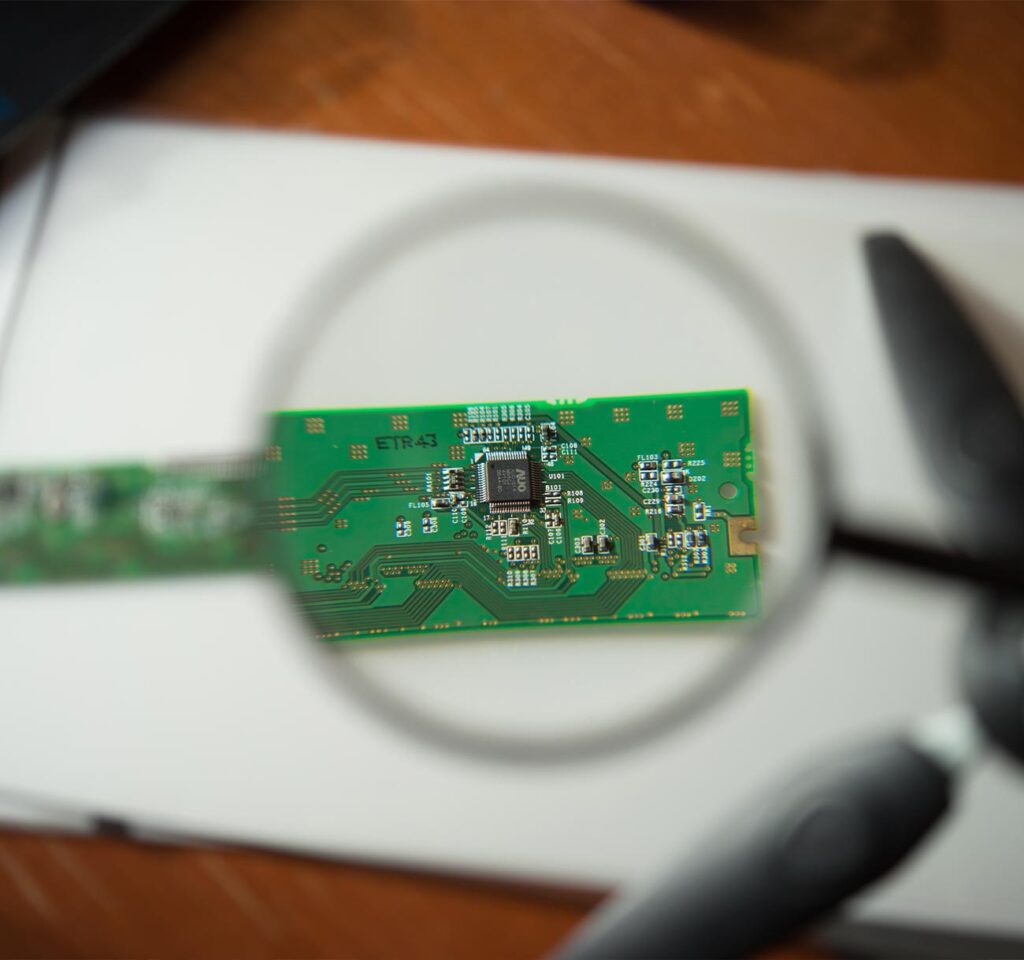
Our technicians repair damaged circuits, replace faulty components, or reflow the GPU using advanced methods — restoring your Mac’s graphics performance.
Step 2: Transparent Quote
Once the fault is confirmed, we provide an upfront repair plan with clear pricing. No hidden costs, no unexpected surprises.
Step 4: Final Performance Test
Before we return your Mac, we test visuals, stability, and overall GPU performance to ensure everything runs smoothly and reliably.
FAQ
Common signs include screen flickering, distorted visuals, sudden crashes, overheating, or a black screen even though the Mac powers on. Our free diagnostic will confirm if the GPU is the issue.
In many cases, graphics cards can be repaired by fixing circuits, reflowing components, or replacing damaged parts. If repair isn’t possible, we’ll advise you on the best replacement option.
Most repairs are completed within 2–5 days, depending on the severity of the damage and parts availability. We’ll provide a clear timeline after the diagnostic.