
Keyboard Replacement Services in Bow Valley
what we offer
Professional Keyboard Replacement in Bow Valley
A faulty keyboard can make even the simplest tasks frustrating — from stuck keys and unresponsive typing to complete input failure. At Apple User Services, we provide professional Mac keyboard replacement services in Bow Valley to restore smooth and reliable use.
Whether your keys are sticking, not responding, or have been damaged by wear or liquid, our technicians use precision tools and high-quality replacement parts to bring your keyboard back to life. Every replacement is carefully tested for responsiveness, durability, and comfort — so your Mac feels just the way it should.
About the Service
What Is a Keyboard Replacement?
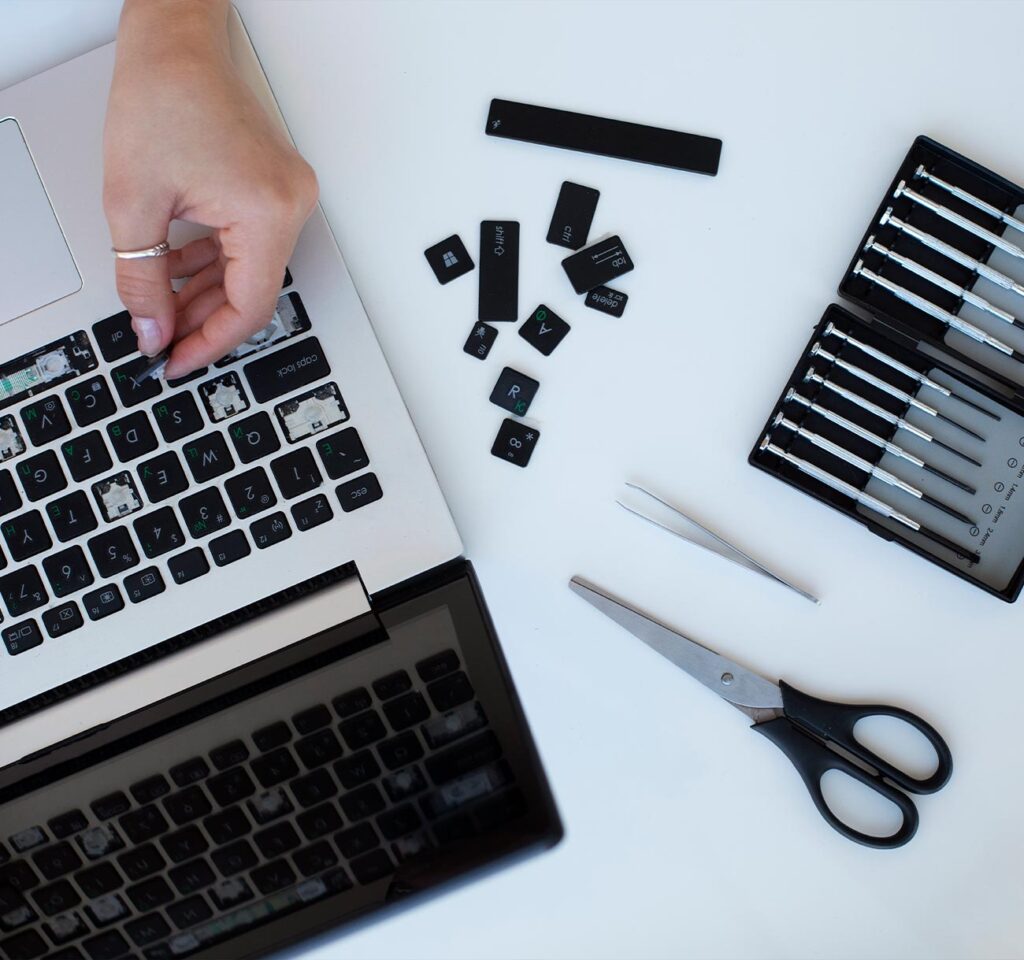
A keyboard replacement is the process of removing a damaged or unresponsive keyboard and installing a new one that restores smooth, reliable typing. Over time, keys can wear out, become stuck, lose sensitivity, or stop working altogether — making everyday use difficult.
At Apple User Services, we carry out keyboard replacements with precision and care. From faulty keys to complete keyboard failures, our technicians install high-quality parts and test every key for responsiveness and durability. The result is a Mac that feels natural, comfortable, and ready for everyday use.
What we fixing
Common Keyboard Problems We Fix
Stuck or unresponsive keys
Keys that don’t respond or require extra pressure to work.
Repeated keystrokes
A single press types multiple times.
Missing or broken keys
Keys that have fallen off or are physically damaged.
Backlight not working
Keyboard lighting that is dim, uneven, or completely out.
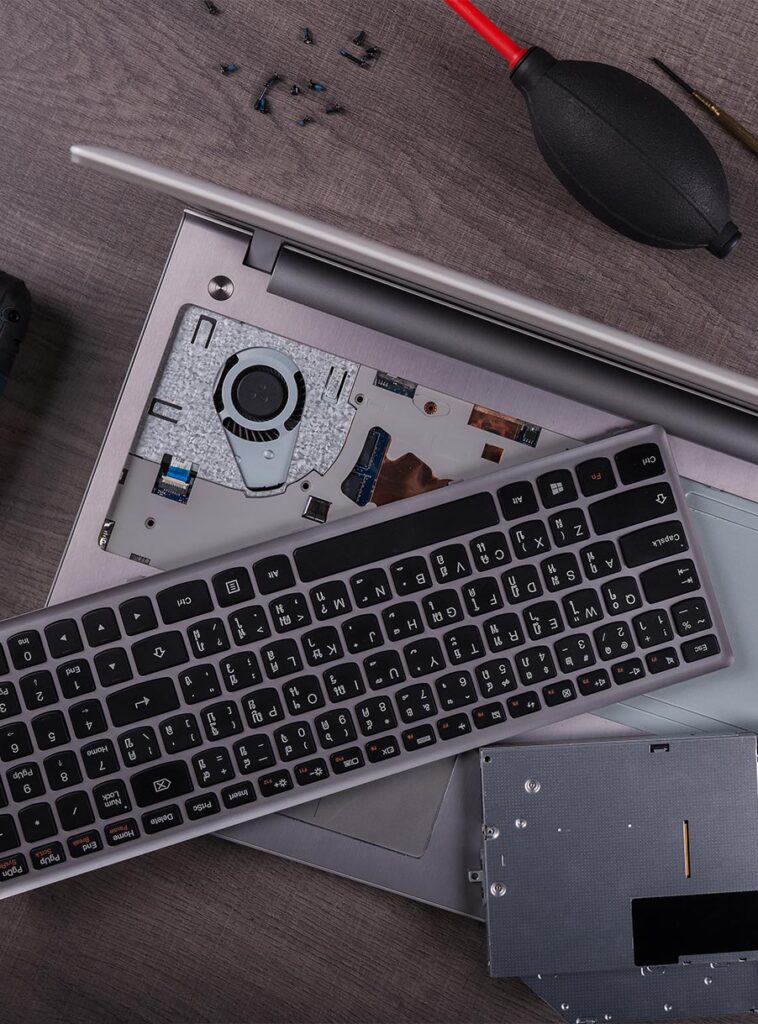
Liquid damage effects
Sticky, unresponsive keys after spills.
Uneven sensitivity
Some keys respond normally while others feel slow or unresponsive.
No input at all
Keyboard fails to register any typing.
Cracked or worn-out keyboard frame
Physical wear that affects both comfort and performance.
Why Choose Us
When you need us, we are here
A broken or unresponsive keyboard can bring your work, studies, or projects to a halt. At Apple User Services, we make the repair process simple, clear, and dependable — so you can get back to typing without frustration.
Trusted Expertise
Our technicians are trained to handle all types of keyboard issues, from stuck keys to complete replacements, using precision tools and quality parts.
Clear and Simple Service
We provide transparent pricing and explain each step of the process, ensuring you know exactly what to expect before we begin.
Dependable Results
Every replacement keyboard is tested for responsiveness, durability, and comfort, so your Mac feels reliable and ready for everyday use again.
Our Repair Process
At Apple User Services, we keep keyboard replacement clear and simple. Every repair begins with a free diagnostic to identify the exact issue — whether it’s stuck keys, faulty backlighting, or complete keyboard failure.
Free Keyboard Diagnostic
We begin with a complimentary check to identify whether the issue is with individual keys, backlighting, or the entire keyboard.
Replacement with Care
Our technicians carefully remove the faulty keyboard and install a high-quality replacement built for durability, comfort, and responsiveness.
Transparent Quote
Once we confirm the problem, we provide an upfront repair plan with clear pricing. No hidden costs, no surprises.
Final Quality Test
Before your Mac is returned, we test every key, backlight function, and typing response to ensure your new keyboard feels just right.
FAQ
If keys are unresponsive, repeating characters, sticky from liquid damage, or the backlight has failed, your keyboard likely needs replacement. Our free diagnostic will confirm the issue.
Minor issues like a missing keycap can sometimes be repaired, but in most cases, a full replacement is the most reliable solution to restore consistent performance.
Most replacements are completed within 1–3 days, depending on your Mac model and part availability. We’ll give you a clear timeline during the diagnostic.